
← Creating the Funding Claim
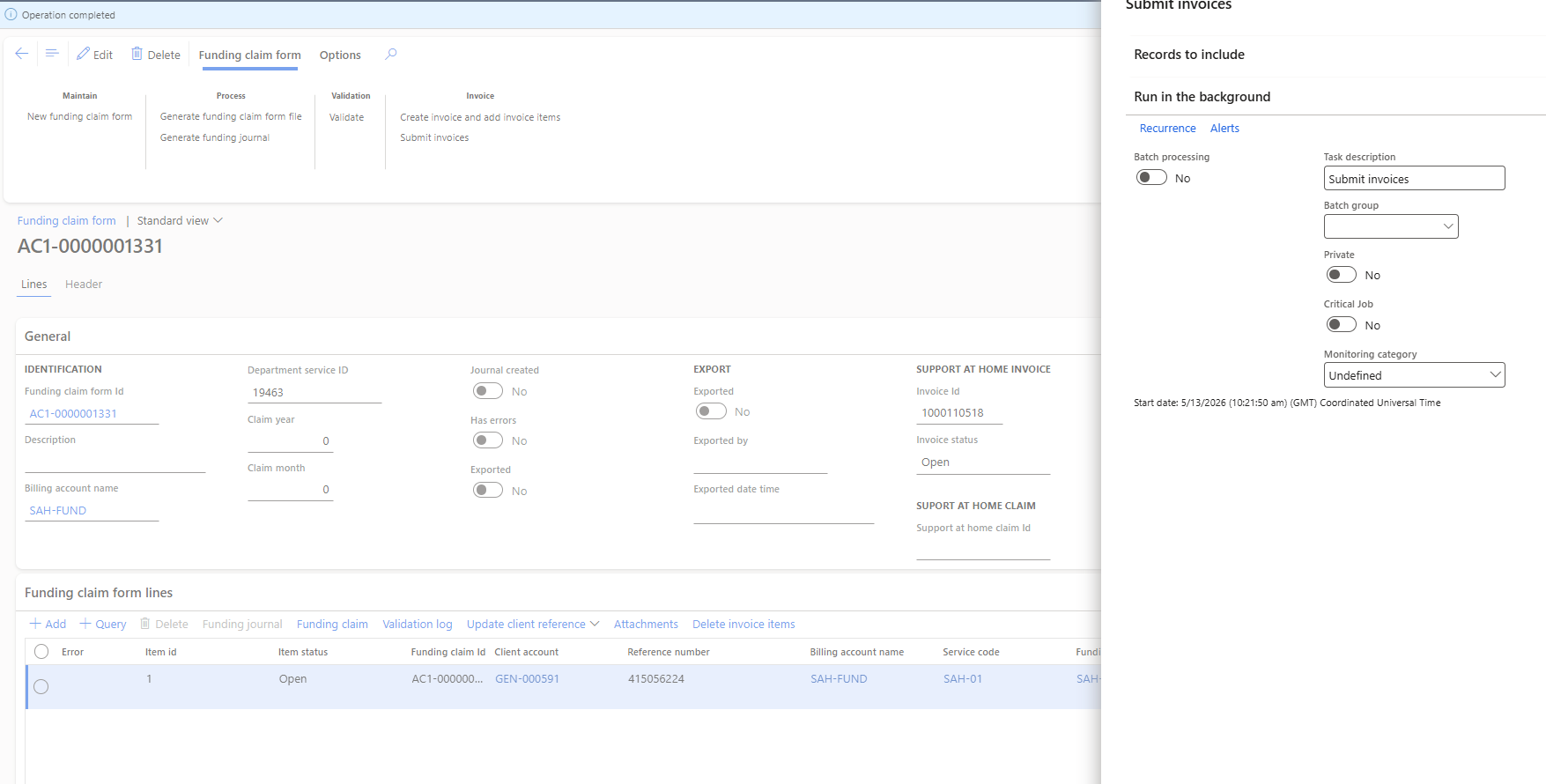
Step 8 of 12 — Submit the invoice
Click Invoice → Submit invoices. Invoice ID 1000110518 has been assigned, status is Open. The Submit invoices panel confirms. Hit OK.
Operation completed. The invoice is on its way to Services Australia. The item status is now Open and the invoice ID is linked to this funding claim form.