

In this article
Product Information
Release Notes
- 10.0.45.20260213
- Installation process
The DXC Agent for Bank reconciliation in D365 FSCM can be run by:
See setup for prerequisites.
When importing bank statements with Reconcile after import enabled and the prerequisite setup are met the agent will automatically run and match the transactions in applicable Bank reconciliations.
The agent can be manually run by navigating to Cash and bank management > Bank statement reconciliation > Bank reconciliation and selecting the applicable reconciliation’s Worksheet.
Where the agent is enabled, the following buttons will be enabled in the Unmatched transactions tab:
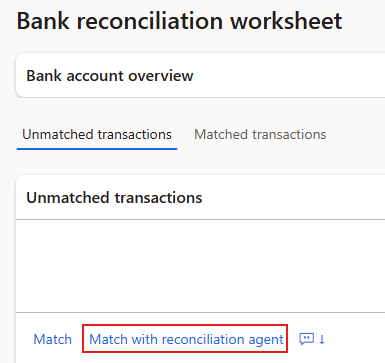
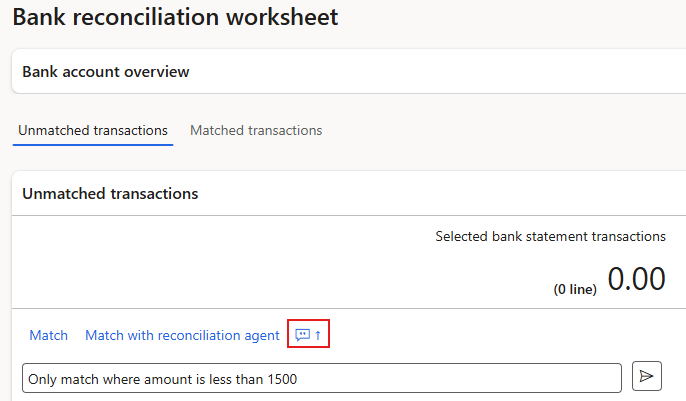
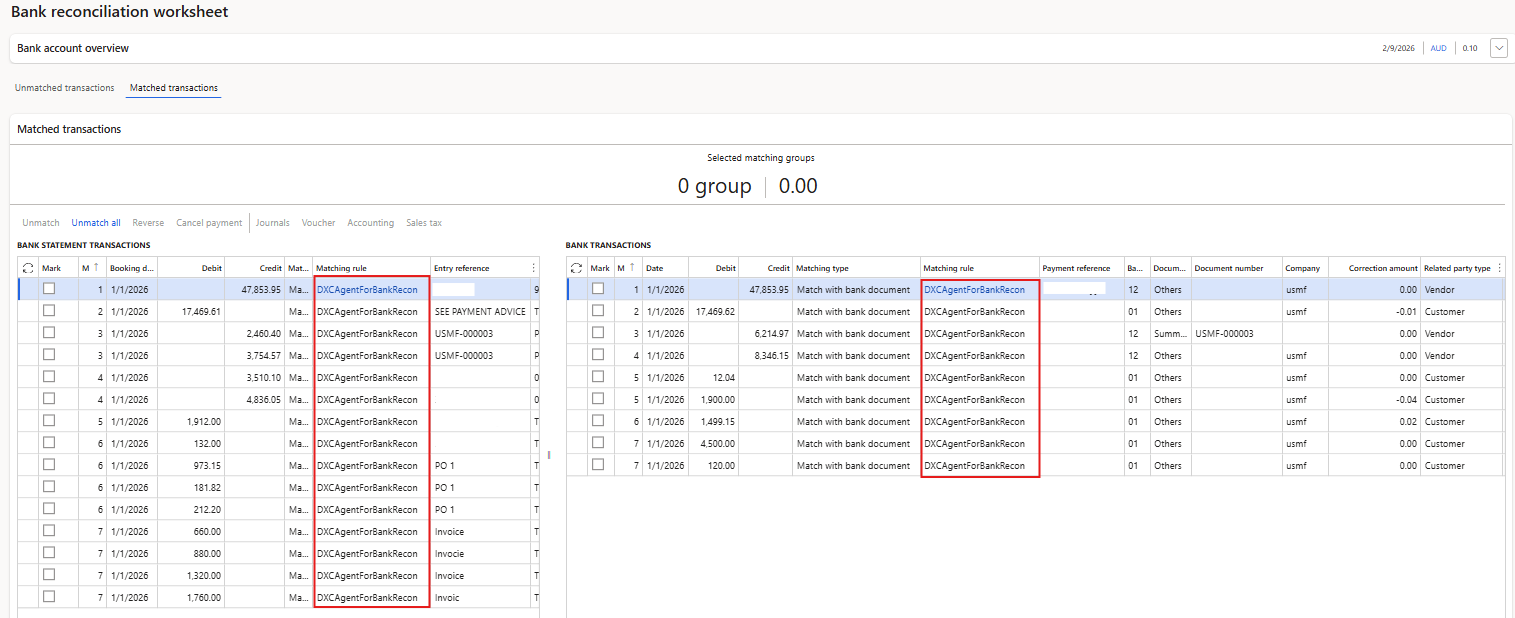
The transactions that have been matched by the Agent can easily be viewed in Matched transactions as these are flagged in Matching rule with DXCAgentForBankRecon.
Note: Reconciliation matching rule DXCAgentForBankRecon is automatically created by the product, but only the name is used for flagging the applicable Matched transactions.