
← Getting Paid
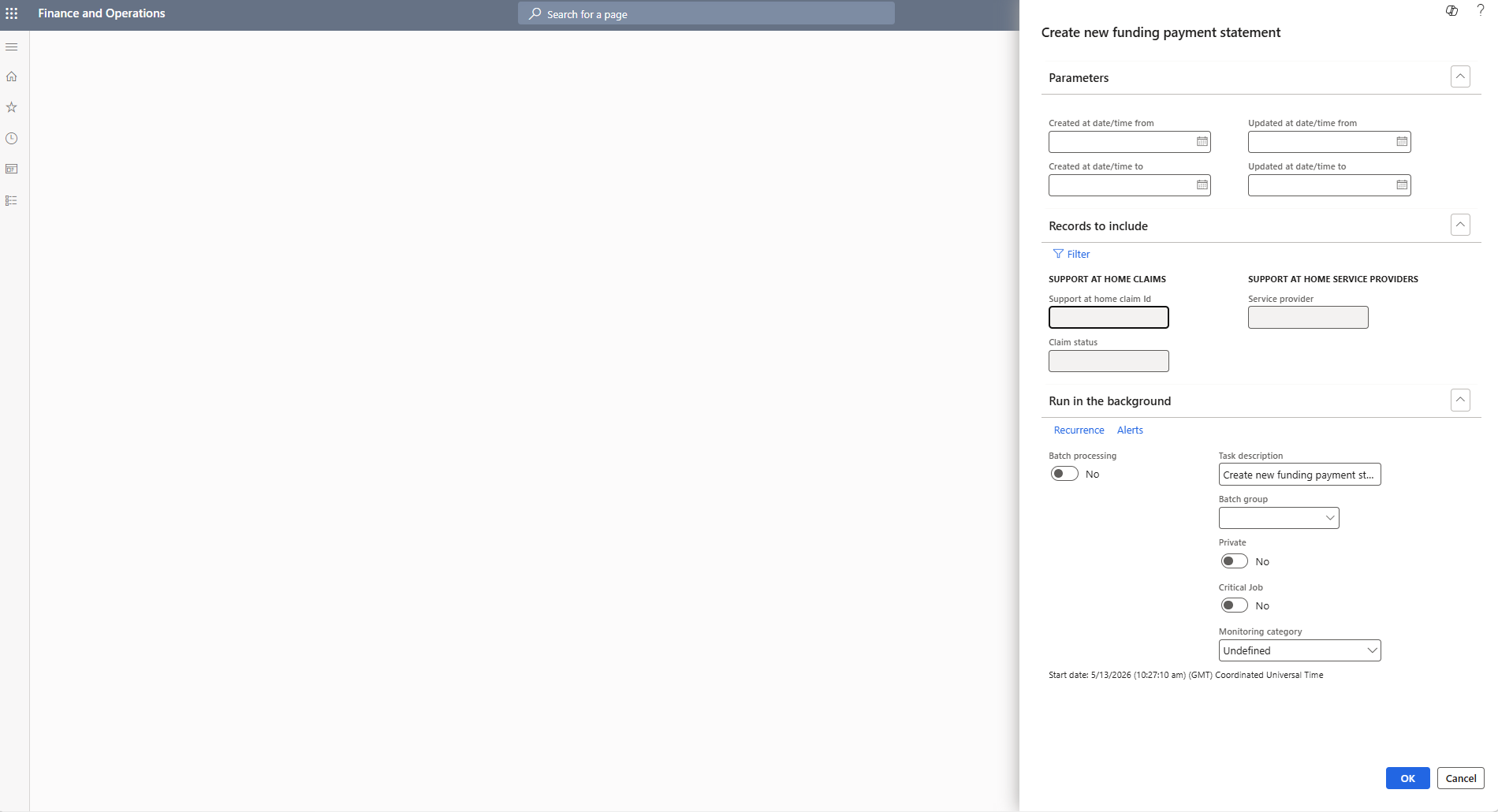
Step 2 of 11 — Set the payment statement parameters
The Create new funding payment statement dialog opens. You can filter by Support at home claim ID and service provider, or leave blank to retrieve all available statements.
Filtering by claim ID keeps the statement focused on the specific payment you're reconciling. Click the Filter button to set your criteria.