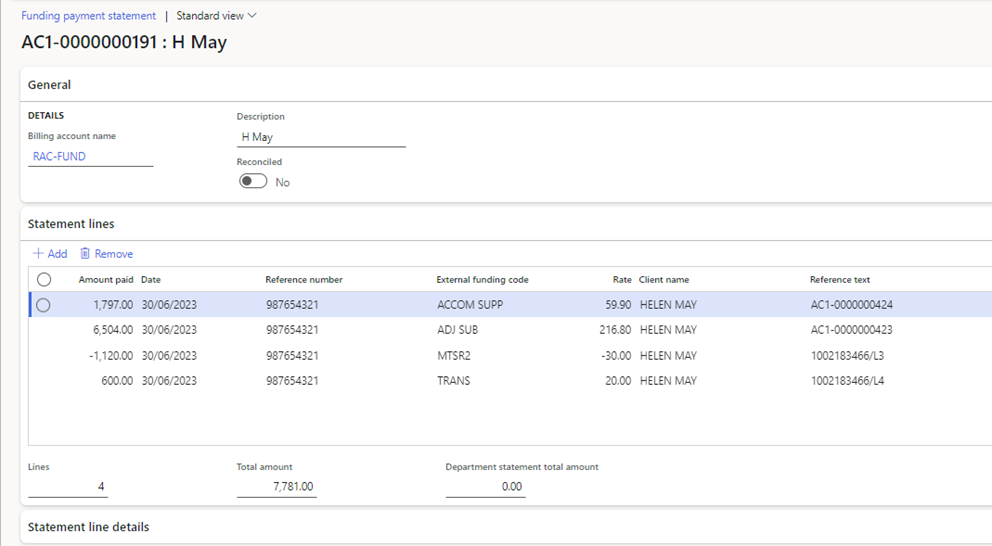
Import funding claim payment statement
Payment statements must be downloaded from PRODA Care services Online Services (in a CSV format)
Path: Care services > Funding > Funding claim payment statement
- Click on < New >
- Select < Billing account name >
- Click on < Import statement >
- Click on < Browse > to browse and select the required payment statement file for import.
- Click < Upload >
- Click < OK >
- Click on the ‘Refresh’ button in the top right corner to refresh the form.
- The statement lines will display.